tip calculator

$ an ad-free Android tip calculator with rounding modes and bill splitting

overview

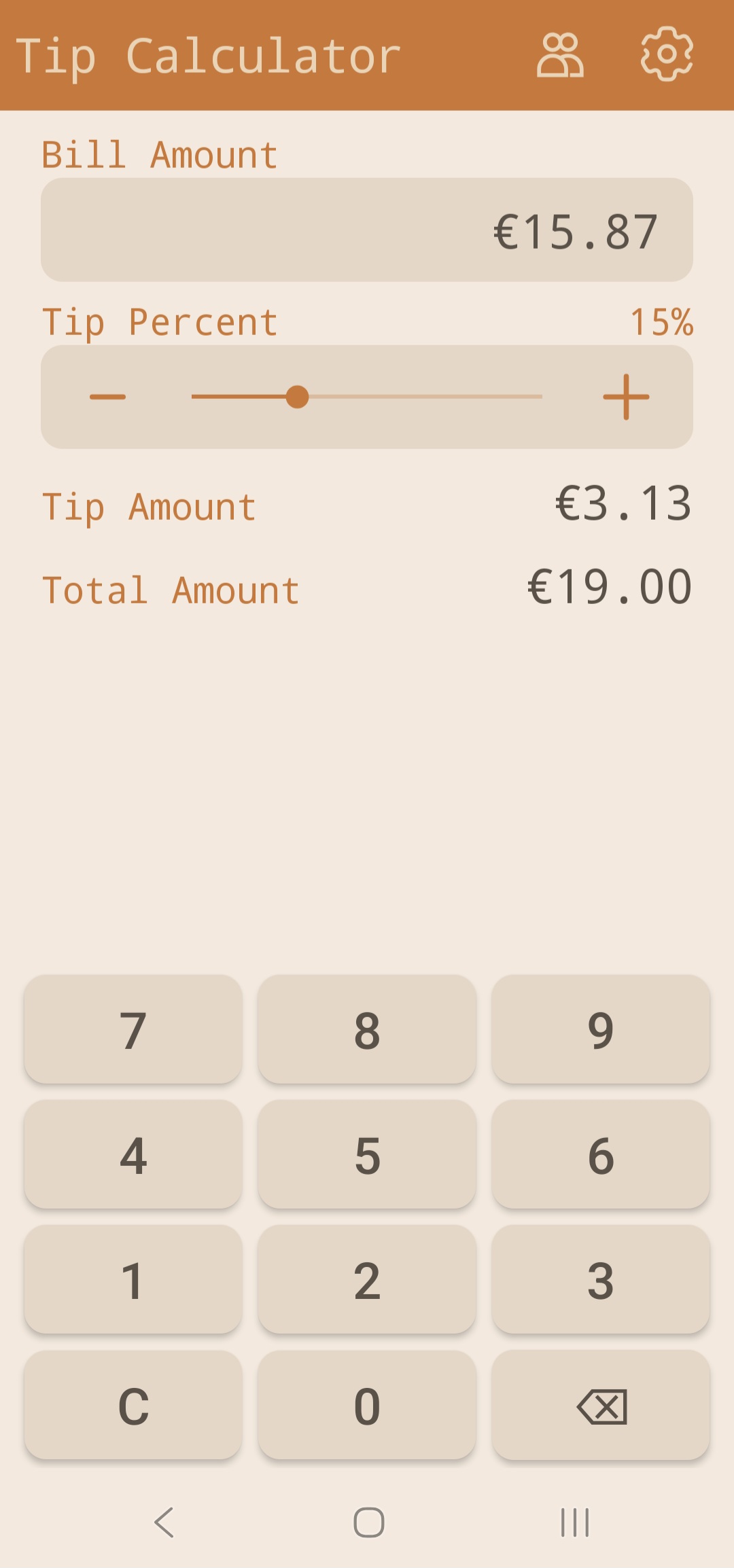
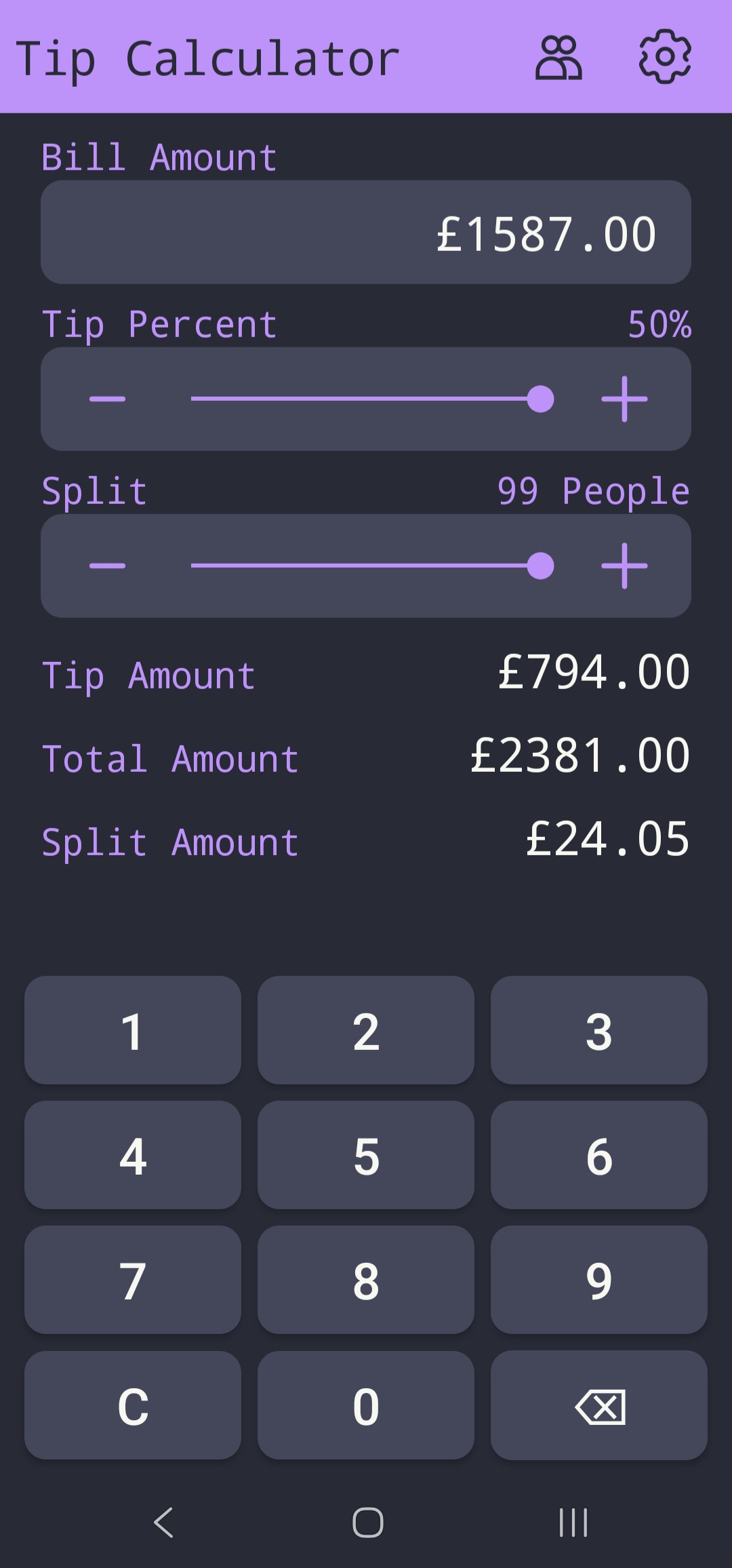
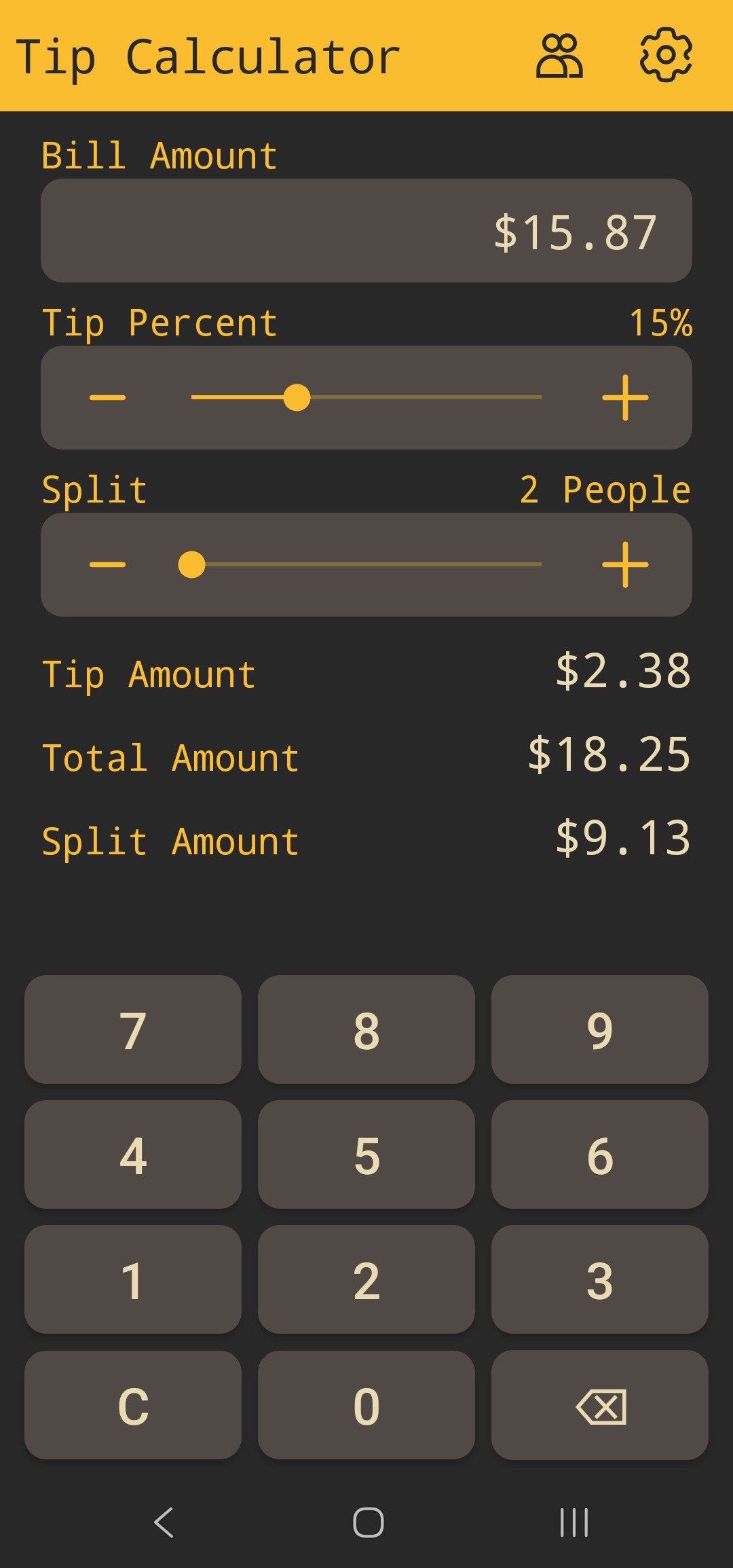
A simple, ad-free Android tip calculator built to get started with Android development. Open the app, type the bill amount using the custom NumPad, and the tip and total calculate immediately using your saved settings. No extra taps required. Supports rounding modes, multiple currencies, bill splitting among up to 99 people, and several preset themes. Works entirely offline. Available on the Play Store.

tech stack

  • Java, Android SDK: fully programmatic UI with no XML layouts; all views constructed in code
  • DataStore (RxDataStore): reactive persistent settings storage for preferences across sessions
  • BigDecimal: four rounding modes (UP/DOWN/DYNAMIC/NONE) for exact monetary arithmetic
  • Observer pattern: NumPad → TextBox → Calculator → display update chain

links

showcase

Tip Calculator app banner
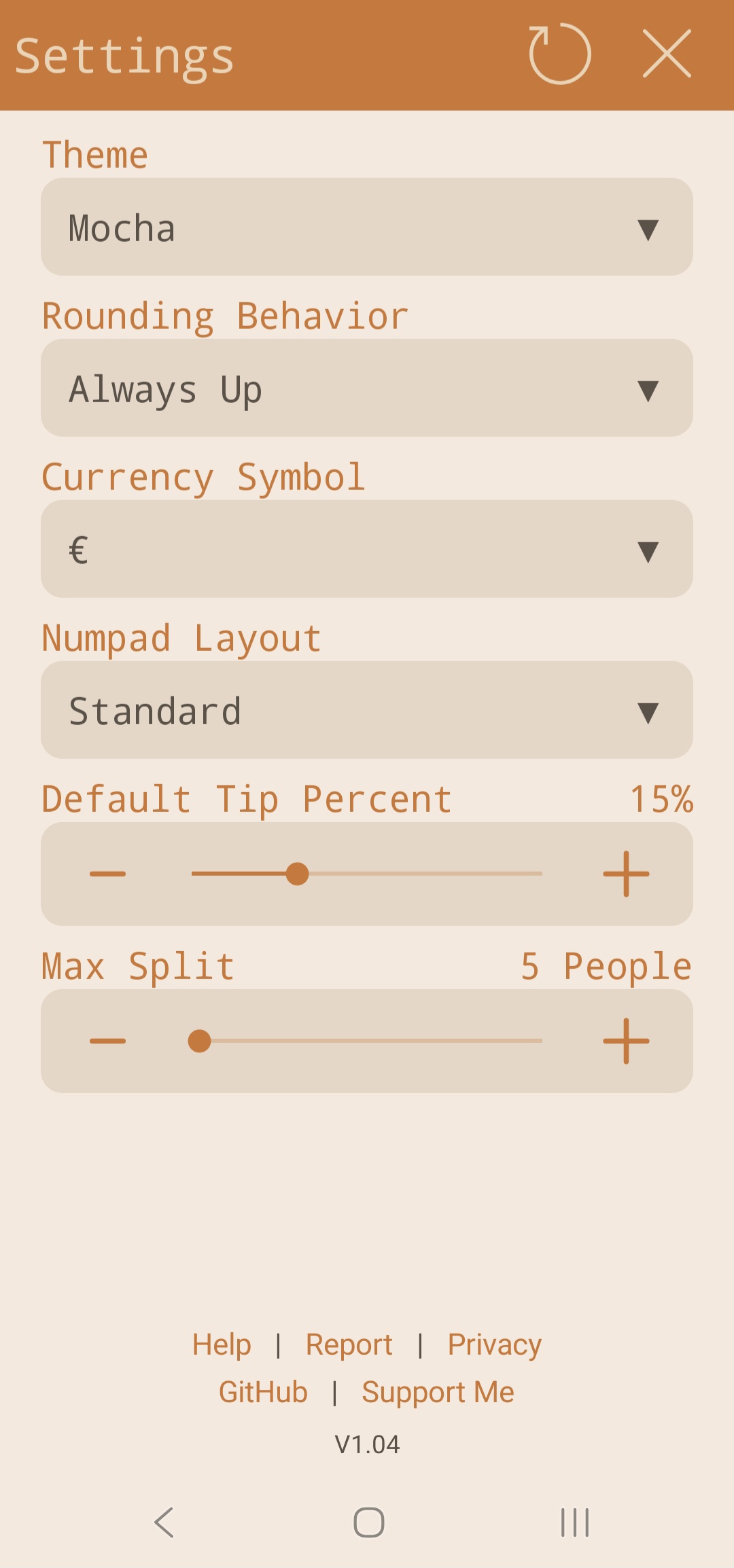
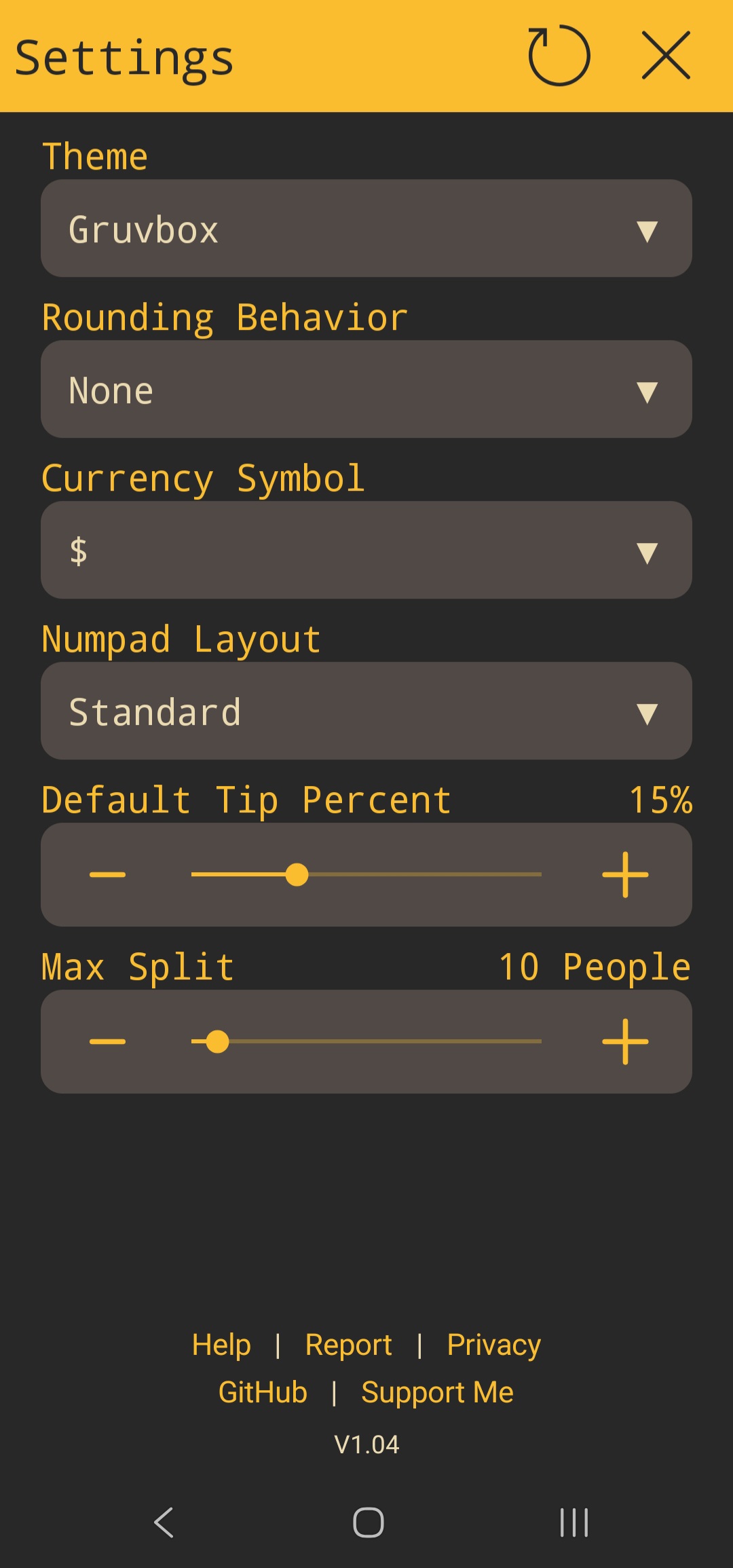
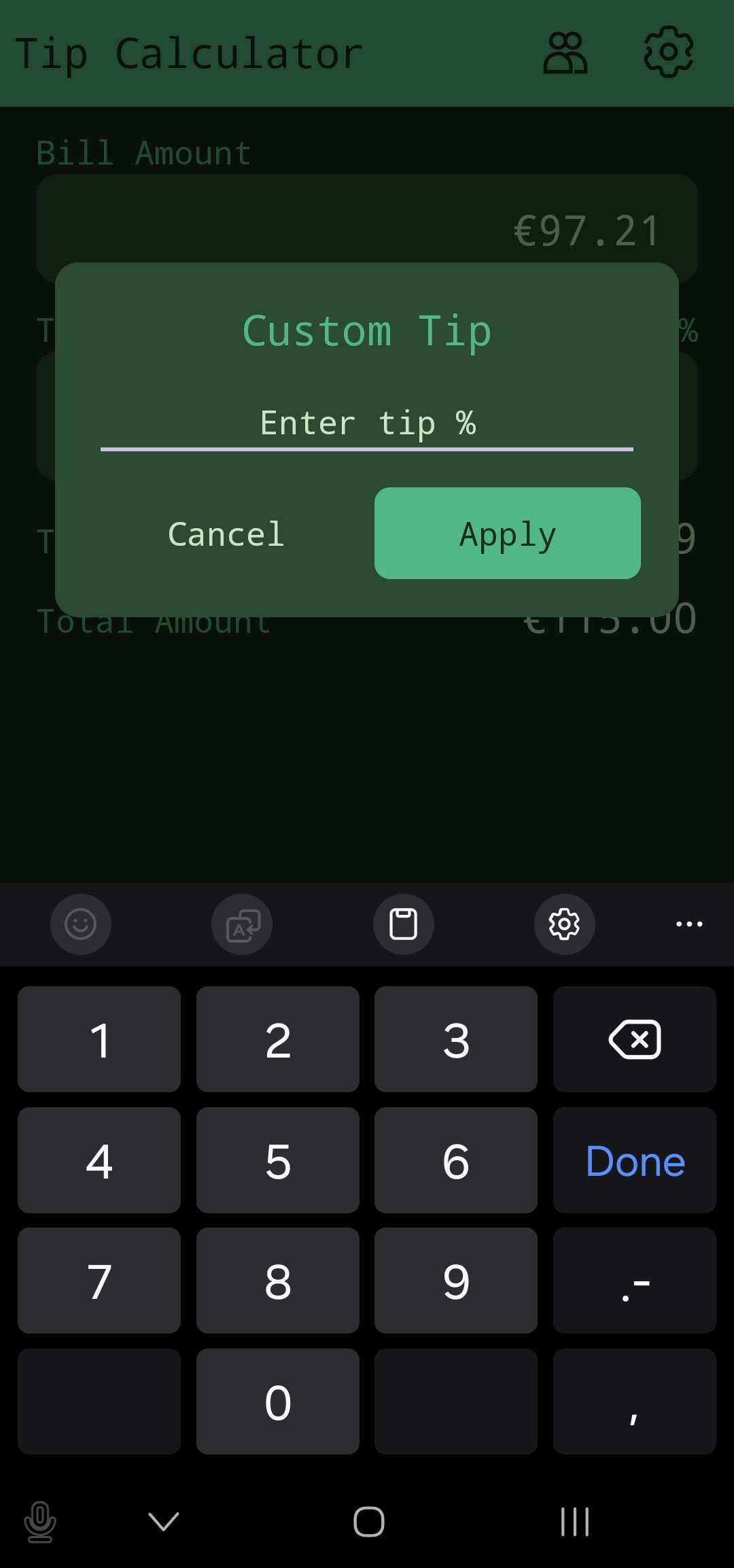
Tip Calculator main screen Tip Calculator rounding options Tip Calculator bill splitting Tip Calculator theme selection

how it works

The entire UI is built programmatically with no XML layouts. All views are constructed and constrained in Java, which made the layout logic explicit and testable but required manually managing all the constraint relationships that XML would otherwise handle declaratively.

Input flows through an Observer chain: the custom NumPad fires events on each key press; a TextBox observer receives them and updates the displayed input string; a Calculator observer watches the TextBox and recomputes the tip and total; display components observe the Calculator and update their text. This makes the data flow unidirectional and means any component can be tested independently by observing its output without touching the UI.

Tip arithmetic uses BigDecimal throughout to avoid floating-point rounding errors on monetary values. Four rounding modes are supported: UP (always rounds away from zero), DOWN (always truncates), DYNAMIC (rounds to nearest, half-up), and NONE (no rounding. exact decimal result). The selected mode is applied to the final per-person amount after splitting.

Settings (last-used tip percentage, rounding mode, currency symbol, theme selection) persist across sessions via RxDataStore. Page transitions between the calculator view and the settings view use ViewPropertyAnimator with hardware layer enabled: 300ms slides that compose on the GPU rather than redrawing in software.

challenges

Programmatic UI without XML means the view hierarchy must be reasoned about entirely in code. ConstraintLayout's constraint API is verbose in Java: every edge constraint is a separate method call, and the relationship between views must be specified explicitly in both directions. Keeping this readable required careful decomposition into factory methods that construct logically related groups of views together.

BigDecimal rounding mode selection exposed a design decision: DYNAMIC mode (round half-up) matches what most people expect from a calculator, but UP and DOWN modes exist for specific expense-reporting cases where the rounding direction matters. Exposing all four and making DYNAMIC the default required documenting the behavior clearly in the help page so users understand why their total might differ by a cent.

takeaways

First Android app shipped to the Play Store. The combination of programmatic UI, reactive settings storage, and exact decimal arithmetic made it a good introduction to Android's more nuanced APIs. Some key takeaways:

  • Fully programmatic Android UI, ConstraintLayout in Java without XML
  • Observer pattern for unidirectional data flow in a reactive UI
  • BigDecimal for exact monetary arithmetic and per-mode rounding semantics
  • DataStore/RxDataStore for reactive settings persistence
  • Hardware-accelerated page transitions with ViewPropertyAnimator
  • Play Store submission and app lifecycle management